Automate Email Responses
Let Dume draft, categorize, and send context-aware replies to your inbox so you can focus on what matters.
Starter prompt
Check my Gmail inbox, categorize all unread emails from the last 24 hours by urgency, draft polite replies for any that need a response, and flag anything that requires my personal attention.
Introduction
Email is one of the biggest time sinks in modern work. Dume integrates directly with Gmail to read, understand, and act on your inbox — without you having to lift a finger for routine correspondence.
You describe your preferences once (tone, sign-off, delegation rules), and Dume handles everything from first drafts to scheduling follow-ups.
How It Works
Dume connects to your Gmail account through OAuth. It reads threads, understands context from prior messages, and can:
- Triage — Sort incoming mail by urgency, sender relationship, and topic
- Draft — Generate natural, on-brand replies matching your writing style
- Send or queue — Send immediately or hold for your approval
- Follow up — Automatically resurface threads that haven't received a reply
Setting up the Gmail integration
- Go to Settings → Integrations in your Dume dashboard
- Connect your Gmail account via the Google OAuth flow
- Grant the required scopes (read, compose, send)
- Tell Dume your preferences in plain language:
"Reply professionally, keep it brief, sign off as [Your Name], and always CC my assistant for anything marked urgent."
Example prompt
Check my inbox. For every email from a new lead, draft a friendly introduction reply and add a task to follow up in 3 days. For newsletters, mark as read and archive. Flag anything from my manager as high priority.Maintaining Your Voice
Dume learns your tone from past sent emails. The first few drafts may need minor edits — use the feedback loop ("too formal", "more casual") to refine the style within a session.
What Gets Automated vs. What You Review
| Action | Default Behavior |
|---|---|
| Archive newsletters | Automatic |
| Reply to known contacts | Draft + queue for approval |
| Reply to new contacts | Always requires your review |
| Delete emails | Never automatic — always asks |
Tips for Best Results
- Be explicit about your delegation rules upfront (e.g., "never send anything to investors without my review")
- Use labels or filters in Gmail to give Dume additional context
- Review the first week of drafts to calibrate the tone quickly
More Dume use cases
Other workflows you can automate with Dume.

Draft Project Proposals
Generate well-structured project proposals from a brief description, tailored to your audience and ready for review.
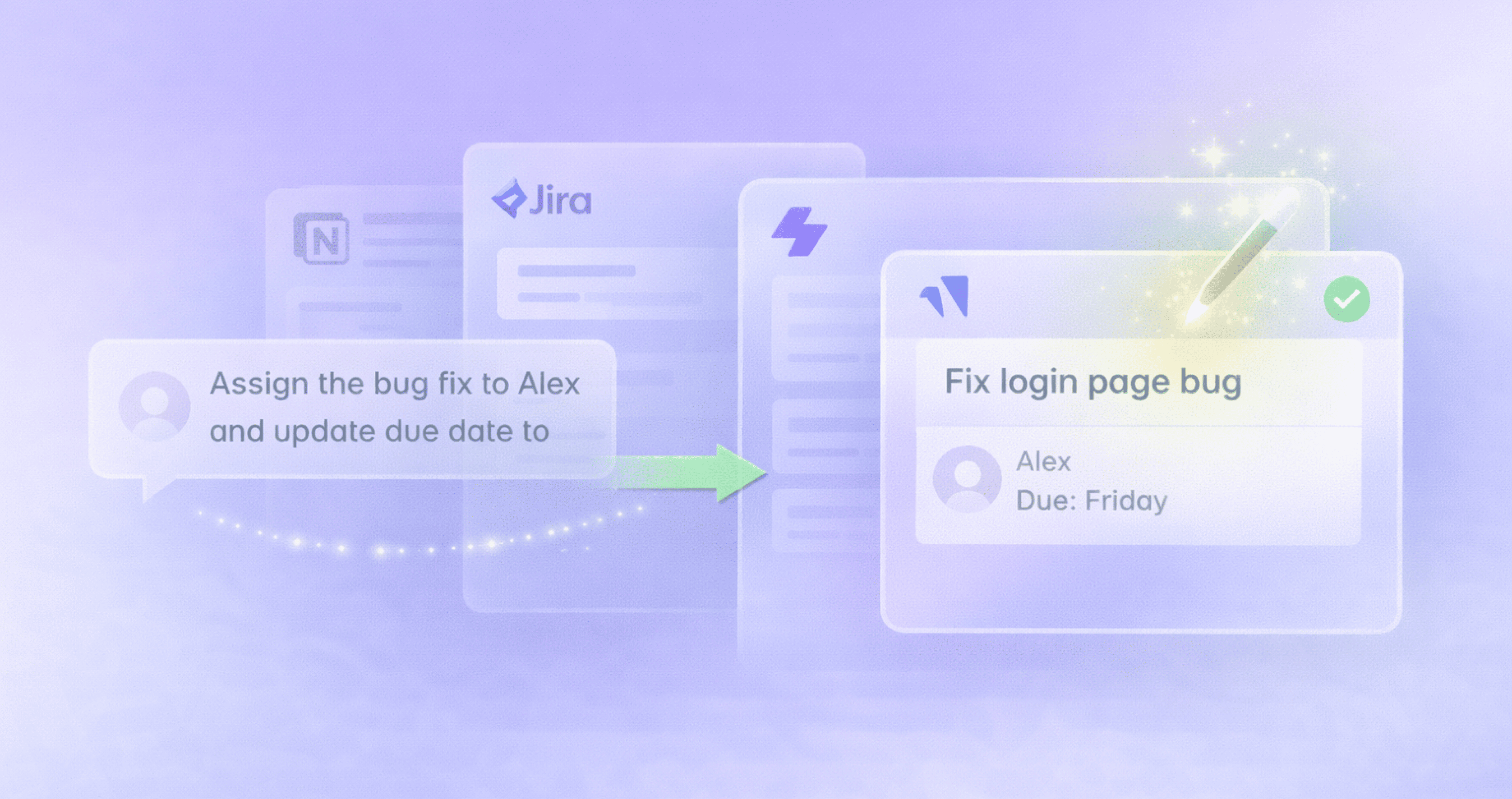
Manage Tasks from Chat
Create, assign, and update tasks in Jira, Linear, or Notion by simply describing what you need — no clicking through dashboards.
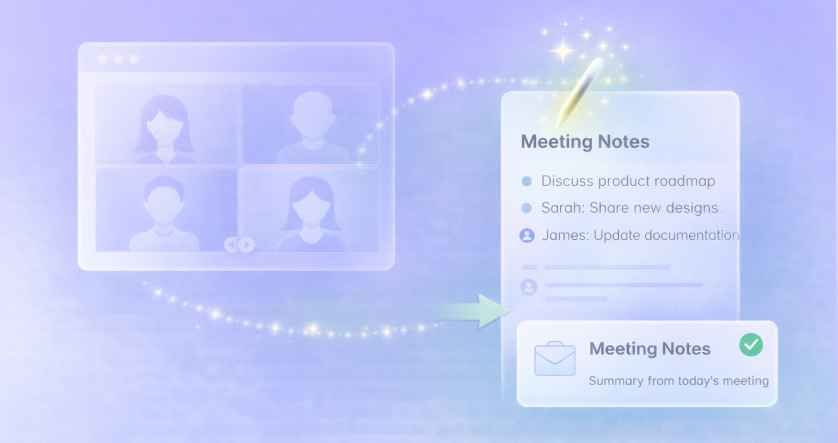
Summarize Meeting Notes
Automatically capture, summarize, and distribute action items from every meeting — no manual note-taking required.